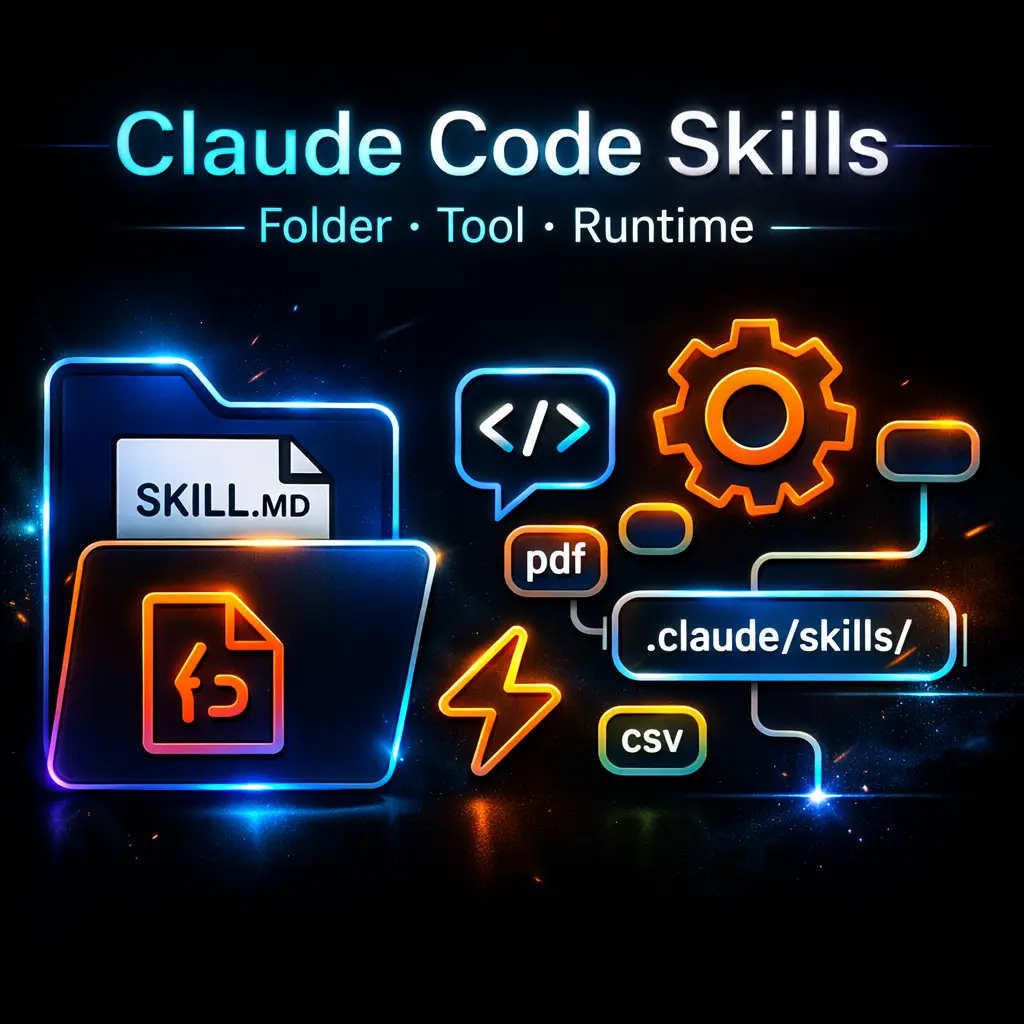







What is Claude Code Skills?
Claude code skills are modular, folder-based assets that extend Anthropic’s Claude AI with task-specific prompts, SKILL.md frontmatter, scripts and resources to automate coding, data and document workflows inside Claude Code. They allow teams to package repeatable instructions, tooling hooks and example inputs so the model can perform specialised tasks with reduced prompt overhead. Positioned as an AI workflow and automation layer, Claude Skills sit between ad hoc prompting and fully fledged agents; they are a practical feature within the Claude Code environment that delivers reproducible, team-shareable workflows for engineering, analytics and content generation. From a business standpoint they are best understood as purpose-built playbooks that operationalise AI capabilities into consistent outputs and developer-friendly artefacts. Developed by Anthropic to complement Claude Code and the code_execution tool, Skills originated as a way to capture proven prompts and scripts in a source-controlled directory alongside project code. Typical environments are engineering workspaces, data teams and marketing operations where repeatability, auditability and integration with git workflows matter. Bundled skills such as review and plan-and-ship exemplify how skills scale from single-user assistants to multi-agent playbooks. Strategically, Skills reduce cognitive and token costs, enforce consistency and accelerate delivery of code, reports and marketing assets. For executives they convert exploratory AI usage into repeatable processes that integrate with existing CI/CD, project tracking and content pipelines, making Skills a practical lever for scaling AI across product, analytics and marketing teams.Key insights
- Skills are folders containing a SKILL.md file plus scripts and resources that Claude loads dynamically to perform task-specific work inside Claude Code.
- Skills employ progressive disclosure: concise metadata and example inputs reduce token consumption while full prompt logic is available when executed.
- Bundled Skills (for example review, plan-and-ship and cron) provide ready-made multi-agent workflows and recurring task automation for teams.
- Skills require the code_execution capability for any script execution and support integration with git workflows for versioning and team sharing.
- Practical performance: document generation (Excel/PPT) typically completes in 1–2 minutes and PDFs in under a minute; token savings versus ad hoc prompts have been reported up to 98% on initial loads.
Business Problems It Solves
Claude Skills convert one-off prompts into repeatable, auditable workflows that address common operational bottlenecks.- Reduces prompt engineering drift by codifying proven instructions and examples into shareable assets.
- Minimizes token and response variability, lowering costs and speeding up predictable outputs, such as reports and code fixes.
- Bridges the gap between AI experimentation and production by enabling git-friendly, versioned playbooks for teams.
- Automates routine tasks (for example, code reviews, report generation, scheduling) so senior staff can focus on strategic decisions.
Core Features
Claude Skills combine prompt templates, metadata and executable assets; each feature below is translated into business outcomes that matter to CEOs, Founders and CMOs.SKILL.md Frontmatter and Prompt Templates
Business Value: Captures precise intent, usage notes and example inputs so teams enforce consistent outputs, reduce rework and shorten onboarding time for new staff or contractors.Executable Scripts and Code Integration
Business Value: Enables end-to-end automation (data extraction → transformation → deliverable generation) that removes manual handoffs, accelerates delivery and integrates with CI/CD pipelines for reliable deployments.Progressive Disclosure
Business Value: Minimises token consumption and response latency by storing compact metadata for common invocations while exposing full logic on demand; this drives predictable cost control and faster iterations.Bundled Multi-Agent Playbooks
Business Value: Provides pre-built workflows (for instance multi-review agents or planning agents) that reduce time-to-value for cross-functional initiatives like product launches and regulatory reviews.Git-Friendly Directory Structure
Business Value: Supports version control, code review and audit trails, which are critical for governance, reproducibility and collaboration at enterprise scale.Integration Hooks and Scheduling
Business Value: Allows automation of recurring tasks and integration with ticketing or scheduling systems, cutting operational overhead while improving timeliness and accountability.Ready to improve your marketing with AI?
Main Strategic Use Cases
Claude Skills are designed to be embedded into business processes where repeatability and auditability matter most.Product and Engineering Acceleration
Automate code review, refactoring suggestions and test generation so engineering teams ship faster with consistent quality checks. When to use: for high-velocity engineering teams that require deterministic code hygiene and rapid iteration.Data-to-Decision Workflows
Generate formatted Excel reports, dashboards and executive summaries from raw datasets. If you operate in a data-driven organisation, Skills reduce analyst time spent on repetitive formatting and enable faster insight delivery.Marketing and Content Production
Produce slide decks, campaign briefs and customer reports from templates and brand assets. For businesses that need scalable content production tied to analytics and brand controls, Skills automate template population and compliance checks.Business Operations Use Cases
Operational use cases focus on automation, governance and repeatability across teams.- Automated code health checks and PR generation for engineering teams.
- Scheduled report generation and distribution via :cron-like skills integrated with ticketed delivery.
- Standardised onboarding artefacts, such as environment setup scripts and knowledge transfers, maintained as skills in git.
Marketing Use Cases
Marketing use cases show immediate ROI through time savings and campaign consistency.- Rapid generation of campaign decks and one-pagers from data inputs, with brand-compliant formatting applied automatically.
- Automated competitive summaries and product positioning drafts using aggregated inputs and template prompts.
- Content localisation playbooks that reuse a central SKILL.md to ensure consistent tone and regulatory compliance across markets.
How It Works
Skills are activated by description-matching and explicit invocation inside Claude Code; they are not autonomous algorithmic routers. The execution model is predictable and source-controlled.- Structure: a Skill is a folder with a SKILL.md file that contains frontmatter (name, description, examples) and prompt templates; supporting scripts and resources live alongside in the same directory.
- Invocation: users call a Skill by name or at times the system suggests Skills based on description matching; there is no opaque routing—matching relies on metadata and examples.
- Execution: for any action requiring execution, the code_execution tool must be enabled; this allows scripts to run, files to be generated and external integrations to be invoked under controlled permissions.
- Versioning: Skills are intended to be managed in git worktrees, enabling pull requests, reviews and rollbacks as with normal code artefacts.
Alternatives and Competitor Tools
Several tools address similar needs around AI-driven workflow automation; selection depends on desired integration depth, governance and team workflows.OpenAI Functions and Agent Frameworks
OpenAI provides function-calling and agent frameworks that let developers map prompts to structured function calls. Strategically, OpenAI’s approach emphasises API-driven orchestration and flexible agent design; it differs by focusing on API-first custom tooling rather than folder-based, git-integrated playbooks.GPT Custom Actions and Tooling (Third-Party Platforms)
Some platforms build workflow layers on top of GPT models, offering drag-and-drop automations and integrations. They often prioritise lower-code user experiences; compared with Claude Skills, they may offer faster prototyping but weaker version-control and developer-centric governance.Cursor and Local Developer Tools
Cursor and similar code-oriented assistants target developer productivity with IDE integrations and local execution. They excel for single-developer workflows but typically lack the multi-agent playbook and team governance features that Skills provide.Internal Orchestration Platforms (e.g., Airflow + Custom LLM Layers)
Organisations sometimes build bespoke orchestration combining workflow engines and LLM prompts. These solutions can be tightly controlled and audited but require significant engineering investment versus the out-of-the-box playbooks available with Skills. Choose Claude Skills when you need a balance of developer control, git-friendly governance and ready-made multi-agent playbooks; choose alternatives when you prioritise API-first customisation, low-code user interfaces or bespoke orchestration at scale.Comparison Table (Claude Code Skills vs OpenAI Functions)
The following table compares strategic decision factors that matter to executive teams evaluating both approaches.| Decision Factor | Claude Code Skills | OpenAI Functions / Agent Framework |
|---|---|---|
| Primary Strength | Git-centric, folder-based playbooks with bundled multi-agent workflows. | API-driven function calling with flexible agent orchestration. |
| Integration with Code Execution | Built-in support via code_execution tool and scripts in skill folders. | Requires custom function handlers or server-side execution layers. |
| Governance & Versioning | Strong: intended for git workflows, PRs and audit trails. | Dependent on engineering implementation; not prescriptive. |
| Token Efficiency | High: progressive disclosure reduces repeated prompt size and cost. | Variable: depends on how prompts are compiled and cached by implementers. |
| Suitability for Marketing/Content Teams | Good: pre-built generation skills for slides and reports with template support. | Good: flexible function outputs but may require more engineering to template at scale. |
| Time-to-Deploy for Teams | Short to medium: ready-made bundled skills accelerate common workflows. | Medium to long: building secure, production-grade functions or agents takes engineering time. |
Benefits & Risks
Balancing potential gains against operational considerations is essential before enterprise adoption.- Benefits: rapid standardisation of AI-driven tasks, measurable token and time savings, stronger collaboration via git integration, and faster time-to-market for repetitive deliverables.
- Risks: over-reliance on canned prompts leading to brittleness in novel tasks, concurrency safety issues if scripts are not idempotent, and potential data governance gaps if execution permissions are misconfigured.
- Mitigation strategies include rigorous code reviews for skills, permission controls for code_execution, and continuous monitoring of outputs against quality benchmarks.