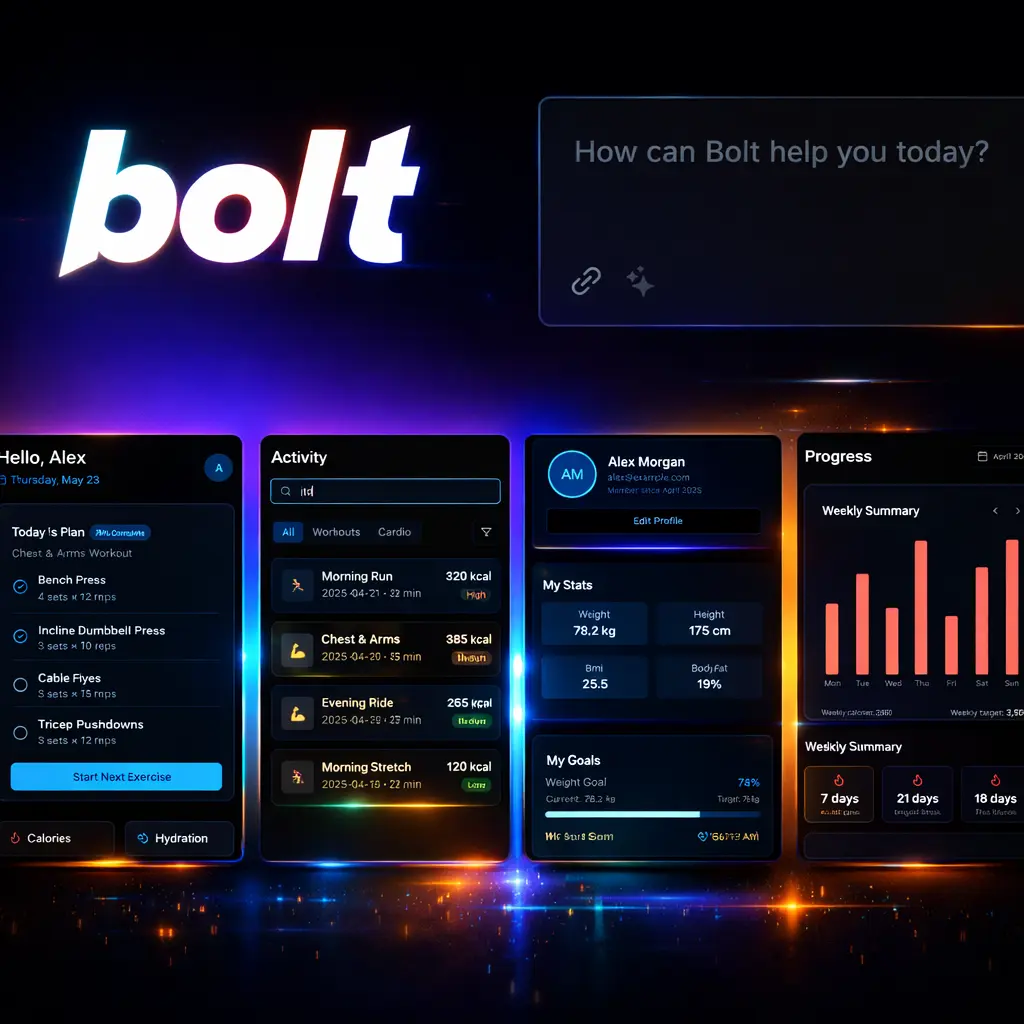







What is bolt.new ai app builder?
Bolt.new ai app builder is a browser-based platform that converts natural language prompts into editable, full‑stack web and mobile prototypes, delivering runtime previews and exportable code within seconds. The system combines an AI coding agent with an in‑browser Node.js runtime and prebuilt templates to produce production‑grade frontends, backends and database scaffolding. The tool sits in the category of browser‑native AI app builders and is positioned as a rapid prototyping and developer‑acceleration platform rather than a low‑code marketing toy. It acts as an AI coding tool for teams that need fast validation, experiment-driven product development and lower friction between design and deploy. Originally developed alongside StackBlitz technologies and leveraging browser WebContainers, the platform uses Claude family models for code generation and supports integrations such as GitHub, Netlify, Vercel, Stripe, Supabase, and Expo. Typical users run it directly in the browser for hackathons, proof‑of‑concepts, marketing pilots, internal tools, and early MVPs. Strategically, the platform reduces time‑to‑prototype, de‑risks idea validation and lowers upfront engineering cost by producing working prototypes with editable source code and one‑click deployments. It is most valuable when speed, experiment volume and code exportability are priorities; it is less suitable as the sole development path for large, regulated, high‑complexity systems without professional engineering oversight.Key insights
- Bolt.new converts plain English prompts into full‑stack applications in seconds, producing React + Tailwind frontends, Node.js backends and Prisma/PostgreSQL database scaffolding.
- The platform runs code in the browser using WebContainers, eliminating local setup and enabling immediate live previews and debugging.
- Bolt.new integrates with common developer and business services (GitHub, Netlify, Vercel, Stripe, Supabase, Expo), enabling one‑click deployment and external hosting.
- Anthropic Claude models (from lighter Haiku to Opus 4.6) are used to balance speed and output quality, with model choice influencing cost and accuracy.
- Exportable code and Git sync reduce vendor lock‑in; however, highly bespoke business logic, compliance constraints and long‑term scalability still require traditional engineering practices.
Business Problems It Solves
The platform addresses common strategic friction points between idea and validated product: slow prototyping, high initial engineering cost and poor alignment between design and implementation.Accelerating validation
When to use bolt.new: for rapid validation of features, landing pages, or workflows where a clickable, data‑driven prototype materially improves stakeholder decisions and reduces investment risk.Reducing engineering overhead
If you operate in a small team or early‑stage company, the platform reduces the need for long lead times and local environment setup, enabling non‑engineers to iterate on working prototypes with developer oversight.Bridging design and deploy
For businesses that rely on frequent design iterations, the Figma import and visual editor shorten the feedback loop between product, design and marketing by producing deployable frontends directly from visual assets.Core Features
The platform offers a set of capabilities that translate directly into operational and strategic business outcomes for CEOs, Founders and CMOs.Prompt‑to‑app AI agent
Business Value: Converts product concepts into working prototypes in minutes, enabling rapid experimentation, A/B testing and faster go/no‑go decisions without full engineering sprints.Browser runtime via WebContainers
Business Value: Removes local setup and environment inconsistencies, lowering onboarding time for new hires and allowing distributed teams to collaborate on real code and live previews instantly.Exportable, production‑grade code and Git integration
Business Value: Ensures prototypes are not locked into the platform; exported projects can enter a standard CI/CD pipeline, facilitating handover to engineering teams and long‑term maintainability.Prebuilt integrations and one‑click deploy
Business Value: Accelerates commercialisation by connecting payment (Stripe), databases (Supabase/Postgres), and hosting (Netlify/Vercel) without bespoke integration work, reducing time to revenue for pilots and demos.Design import and visual editor
Business Value: Shortens the design‑to‑production loop, enabling marketing and product teams to iterate on user journeys and campaigns quickly while preserving developer control over code quality.Team templates and collaboration
Business Value: Drives operational consistency across squads by standardising starter templates and enforcing patterns that scale across experiments, which reduces duplicated effort and speeds internal reuse.Main Strategic Use Cases
Executives should view the platform as a tactical capability for high‑velocity product validation, internal tool creation and marketing experiment delivery rather than a full replacement for established engineering.- Rapid MVPs and feature proof‑of‑concepts: validate hypotheses before committing to full development budgets.
- Marketing landing pages and conversion experiments: iterate quickly on messaging and funnels with integrated analytics and payment flows.
- Internal tools and dashboards: build operational tools to automate workflows and reduce manual processes without long procurement cycles.
- Hackathons and ideation sprints: compress delivery cycles and demonstrate feasibility in real time to investors and stakeholders.
Ready to improve your marketing with AI?
Alternatives and Competitor Tools
Several platforms target the same rapid‑build and AI‑assisted development niche. Selection should be driven by integration needs, exportability and target audience.Cursor
Cursor positions itself as an AI development assistant and in‑IDE coding partner focused on developer productivity and local workflow augmentation. It is stronger on deep editor integration and developer tooling but typically requires local environments for runtime validation, unlike Bolt.new’s browser runtime.Replit AI
Replit offers cloud‑native coding environments and AI code generation aimed at education and fast prototyping. It emphasises collaborative editing and multi‑language support; however, Replit’s deployment and production workflows are more generalised and may need additional configuration for full‑stack, productionised apps.v0.dev (or similar prompt‑to‑app builders)
v0.dev focuses on serverless stacks and low‑code app generation with tight developer control. It can be preferable where serverless architectures are already the standard, but it often requires deeper developer involvement to connect complex business logic or third‑party systems.When to choose Bolt.new
Choose Bolt.new when rapid prototyping, zero‑setup live previews and exportable production code are critical. Opt for other tools when deep local debugging, specialised server infrastructure, or heavy multi‑language backends are required.| Decision factor | Bolt.new | Cursor |
|---|---|---|
| Primary capability | Prompt‑to‑app full‑stack generation with in‑browser runtime and one‑click deploy. | AI coding assistant integrated into developer IDE workflows; augmentative, not prompt‑to‑app focused. |
| Workflow fit | Best for product teams, designers and CMOs needing rapid prototypes and deployable demos. | Best for engineering teams seeking code completion, refactoring and local development acceleration. |
| Deployment speed | Seconds to minutes with one‑click hosting and hosted previews. | Faster for code edits, but requires local or cloud setup for full‑stack runtime validation. |
| Exportability | Exportable code, Git sync and standard tech stacks to avoid vendor lock‑in. | Code augmentation inside developer projects; export not the primary value proposition. |
| Best fit | Founders, product managers and CMOs validating ideas or shipping early pilots. | Senior engineers and dev teams improving developer velocity and code quality. |
| Scalability for production | Good for small‑to‑medium applications; complex, regulated systems need additional engineering. | Scales with engineering practices; deeper integration with existing codebases is typical. |