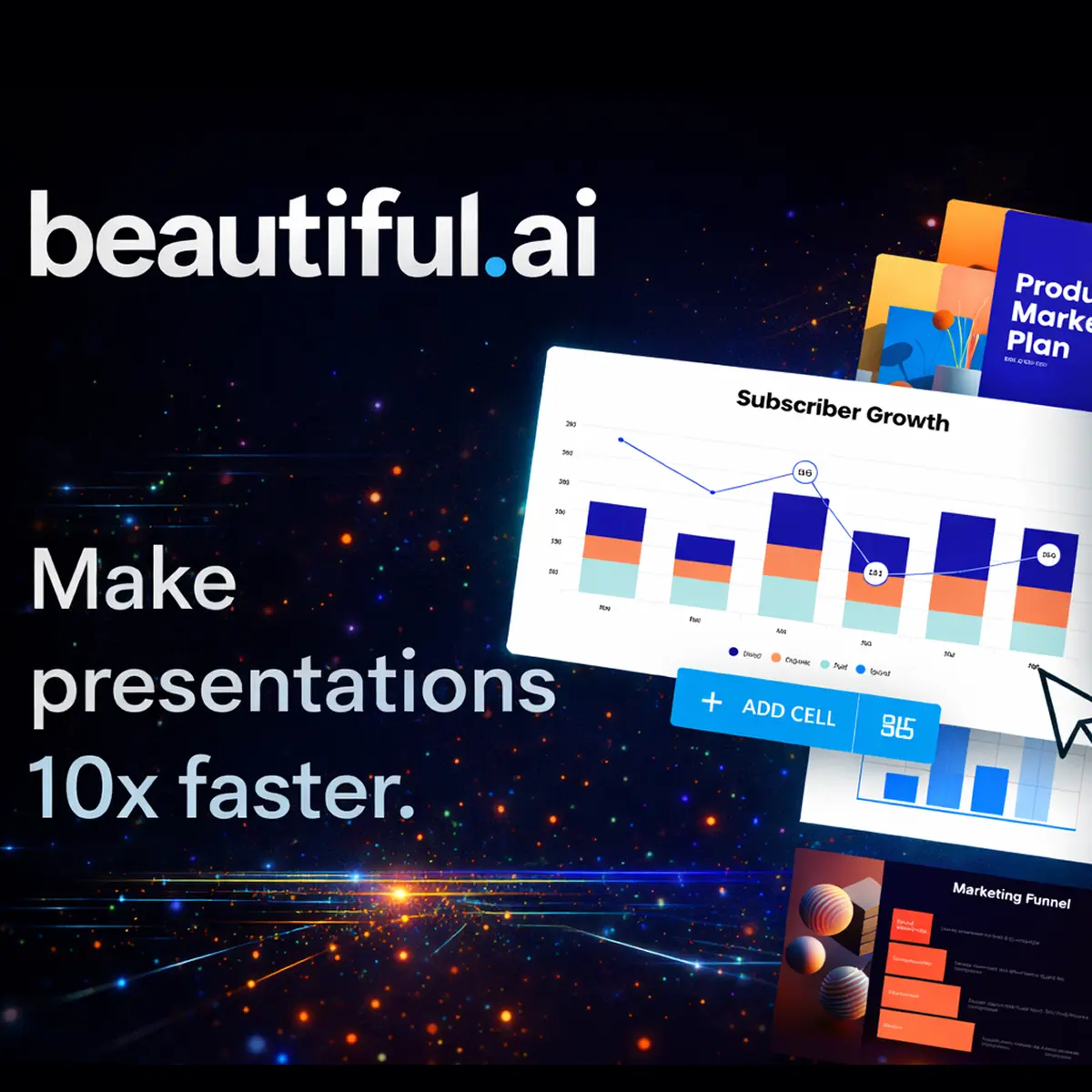







What is Beautiful.ai presentation tool?
Beautiful.ai presentation tool is an AI-driven cloud service that automates slide design and layout to produce professional, brand-consistent presentations with minimal manual intervention. It combines smart templates, generative layout algorithms and team collaboration features to accelerate slide creation for business users. The platform sits within the category of AI-assisted presentation software positioned for knowledge workers and marketing teams: a design automation layer that reduces dependence on in-house designers and on manual formatting in traditional slide editors. It is a cloud-native productivity application focused on speed, consistency and repeatable output. Beautiful.ai was created to simplify the repetitive and error-prone aspects of creating decks: founders, CMOs and sales teams commonly use it to produce pitch decks, board reports and marketing collateral. Typical environments are distributed teams that require brand control, rapid iteration and integrations with cloud storage and conferencing tools. Strategically, the core business value is time-to-deck reduction and improved visual consistency across stakeholder communications. For businesses that need repeatable, high-quality slide output at scale, the platform replaces low-value manual design work with a predictable, team-governed workflow that improves speed, brand fidelity and presentation analytics.Key insights
- The platform automates layout and visual consistency through AI-driven Smart Slides that adapt content without manual resizing.
- DesignerBot or equivalent AI generators can produce an initial deck from prompts in minutes, shortening ideation-to-delivery cycles.
- Brand Kit and theme controls provide centralised governance, reducing off-brand assets and creative bottlenecks for large teams.
- Exports to PPTX and PDF maintain interoperability with legacy workflows while analytics enable measurement of viewer engagement.
- Integrations with collaboration and storage tools (for example Slack, Google Drive, Microsoft 365) support end-to-end operational use cases.
- There is typically a free plan or trial tier with limited features; paid tiers add team management, analytics and enterprise controls.
Business Problems It Solves
The platform addresses persistent inefficiencies in presentation production: slow turnaround, inconsistent branding, and reliance on designers for routine work. It converts a discretionary creative process into a repeatable operational workflow.- Reduces slide production time from hours to minutes for routine decks, lowering labour costs and accelerating decision cycles.
- Mediates design skill gaps among non-designers, enabling revenue-facing teams to produce client-ready materials without external agencies.
- Mitigates brand drift across markets by enforcing templates and centralised theme controls, improving corporate governance.
- Provides measurable viewer analytics, shifting presentations from one-way comms to tracked assets that inform sales and marketing strategy.
Core Features
Below are the principal capabilities translated into executive-level business outcomes.Smart Slides and Responsive Layouts
Business Value: Smart Slides automate layout adjustments when content changes, eliminating manual resizing and reflow. This reduces time spent on iterative formatting and enables faster deck revisions for investor updates, sales pitches and weekly reports.AI Deck Generator (DesignerBot)
Business Value: The AI generator converts brief prompts into a structured deck, accelerating ideation and first-draft creation. For founders and CMOs, this shortens the time to prototype pitch narratives and supports rapid A/B testing of messaging with stakeholders.Brand Kit and Centralised Themes
Business Value: Central control over fonts, colours and logos enforces brand compliance across distributed teams, reducing agency spend and approval cycles. It supports consistent external communications, which is crucial for scaling brands and maintaining investor confidence.Collaboration and Version Control
Business Value: Real-time collaboration, commenting and role-based access speed stakeholder reviews and reduce email-driven approval loops. This tightens alignment between product, sales and marketing teams during campaign launches or board reporting.Viewer Analytics and Engagement Metrics
Business Value: Built-in analytics provide metrics such as unique viewers, view duration and completion rates, enabling data-driven decisions about follow-up prioritisation and content effectiveness. Sales teams can triage leads based on engagement signals.Export and Interoperability (PPTX, PDF)
Business Value: Reliable export maintains compatibility with enterprise ecosystems and offline audiences, preserving workflow flexibility while enabling centralised production. This protects existing investments in CRM and presentation archives.Integrations and API Access
Business Value: Pre-built integrations with storage, conferencing and collaboration platforms embed the tool into existing workflows, enabling automation such as scheduled report generation, slide deployment and CRM-linked presentation sharing.Enterprise Administration and Security
Business Value: Admin controls, single sign-on (SSO) and audit logs support compliance and enterprise security requirements, making the platform suitable for regulated industries and large organisations where governance is non-negotiable.Main Strategic Use Cases
The platform is used where speed, repeatability and brand consistency represent strategic advantages. It is particularly valuable for investor relations, sales enablement and marketing campaigns.- Investor and board reporting: fast, repeatable decks that reflect updated metrics with minimal rework.
- Sales enablement: standardised pitch decks ramping new sellers quickly while ensuring consistent positioning.
- Product launches and marketing campaigns: rapid iteration of creative assets with controlled brand application across markets.
- Internal training and onboarding materials that require frequent updates but must remain on-brand.
Business Operations Use Cases
Operationally, the platform streamlines recurring tasks and reduces dependency on ad hoc design resources.- Monthly performance reports: automated templates populated and exported for executive distribution.
- Client proposals: repeatable, customisable templates that reduce proposal cycle time and increase win-rate consistency.
- Cross-functional status decks: shared templates ensure alignment during product sprints and stakeholder reviews.
Marketing Use Cases
For marketing leaders, the platform enables faster campaign execution and consistent creative output across channels and geographies.- Pitch decks for partnerships: rapid co-branded materials using centralised brand controls.
- Content repurposing: convert long-form content into concise, visually consistent decks for lead magnets and webinars.
- Creative testing: quick creation of variant decks to test messaging and visual approaches in sales outreach.
How It Works — Executive Step‑By‑Step
The platform converts inputs into governed outputs through a simple workflow that executive teams can operationalise.- Define the brand theme: upload logos, set colours and fonts into the Brand Kit to establish governance.
- Create or generate a deck: use templates or the AI deck generator by providing a brief or outline prompt.
- Refine collaboratively: stakeholders comment, iterate and approve within the platform to avoid fragmented feedback channels.
- Measure and export: share links with analytics enabled, export to standard formats for offline use and archive.
- Automate: connect to storage or CRM via integrations or API to automate distribution and usage tracking.
Ready to improve your marketing with AI?
Alternatives and Competitor Tools
Choosing the right tool depends on trade-offs between automation, creative flexibility and enterprise needs. Below are the closest alternatives and how they differ strategically.Microsoft PowerPoint
PowerPoint is the entrenched enterprise standard for slide authoring with deep formatting control and broad compatibility. It favours granular manual design and custom animation over automated layout; choose PowerPoint if you require bespoke visual craftsmanship and legacy interoperability across large, non-technical user bases.Google Slides
Google Slides offers cloud-native collaboration and ease of sharing within Google Workspace. It prioritises real-time co-editing and accessibility rather than AI-driven layout automation; select Google Slides when collaborative editing and tight integration with Google Workspace are primary constraints.Canva
Canva combines templated design with drag-and-drop ease and a large asset library. It favours marketing creativity and asset production across channels but provides less automated layout intelligence than the platform; use Canva when cross-channel creative efficiency and asset versatility are core priorities.Gamma
Gamma targets rapid storytelling and non-linear presentation formats with modern layouts and interactive outputs. It serves teams that prioritise narrative experimentation and web-native presentation formats rather than strict brand governance and enterprise analytics.Prezi
Prezi emphasises zooming, motion-based presentations for narrative impact. Choose Prezi when dynamic, cinematic storytelling is required and when linear slide structure is less important than visual engagement. Decision synthesis: For businesses that prioritise automated brand governance, rapid deck creation and measurable viewer engagement, the platform is preferable. If bespoke design control or deep legacy integration is the dominant need, traditional tools such as PowerPoint or Google Slides may be more appropriate.Comparison Table (Beautiful.ai vs Microsoft PowerPoint)
| Decision Factor | Beautiful.ai | Microsoft PowerPoint |
|---|---|---|
| Primary capability | AI-driven automated layouts and templated, brand-governed decks | Manual, feature-rich slide authoring with advanced animation |
| Use case fit | Rapid production of repeatable, brand-consistent decks for sales and marketing | Custom, high-fidelity presentations and offline compatibility |
| Automation level | High — layout/formatting automated, AI-generated first drafts | Low — manual adjustments required for layout and consistency |
| Workflow efficiency | Optimised for speed, collaboration and shortened approval cycles | Optimised for detailed design control; slower for rapid iterations |
| Scalability and governance | Central Brand Kit and admin controls for enterprise governance | Requires process and template management to achieve similar governance |
| Strategic value | Best where brand consistency, speed and analytics drive revenue outcomes | Best where bespoke visual expression and deep offline compatibility are essential |
Benefits & Risks
Adopting the platform delivers clear operational benefits but also introduces considerations to manage.- Benefits: faster deck production, lower design costs, improved brand control, data-driven engagement insights and smoother handoffs between teams.
- Risks: potential over-reliance on automated layout leading to homogenised creative output; integration complexity for bespoke enterprise stacks; vendor lock-in if export workflows are not validated.
- Mitigations: enforce templates selectively, retain designers for high-stakes decks, test export fidelity, and map integrations before enterprise rollout.