


Estimated reading time: 7 minutes
What is Obsidian App used for AI?
Obsidian AI app is a local-first knowledge management system that combines linked note-taking with optional artificial intelligence features to accelerate research, synthesis and decision-making. It stores content as plain-text Markdown files, allows dense bidirectional linking and exposes contextual hooks that third-party AI plugins or local models can exploit for summarisation, content generation and semantic search.
Positioned as a knowledge graph platform with AI augmentation, Obsidian sits between personal note-taking apps and enterprise knowledge platforms: it is a knowledge-base toolkit rather than a single-purpose AI chat or cloud workspace. Executives should view it as an extensible infrastructure component that turns tacit knowledge into structured, traversable assets which AI can then query, enrich or operationalise.
Originally developed to solve the fragmentation of personal and professional knowledge, Obsidian was designed for individual power users and teams that prioritise ownership of data and durable information structures. Typical environments include research-led product teams, founders managing company narratives, CMOs producing long-form strategy and analysts building reusable insight repositories.
Strategically, Obsidian’s core business value is in converting dispersed ideas into a searchable, linked knowledge graph that AI can amplify to reduce discovery time, improve content quality and surface latent patterns. For businesses that need evidence-based decisions, Obsidian becomes a productivity multiplier when combined with the right AI plugins and governance practices.
Key insights
- Obsidian is local-first: notes are Markdown files on the user’s filesystem, enabling offline access, version control and full data ownership.
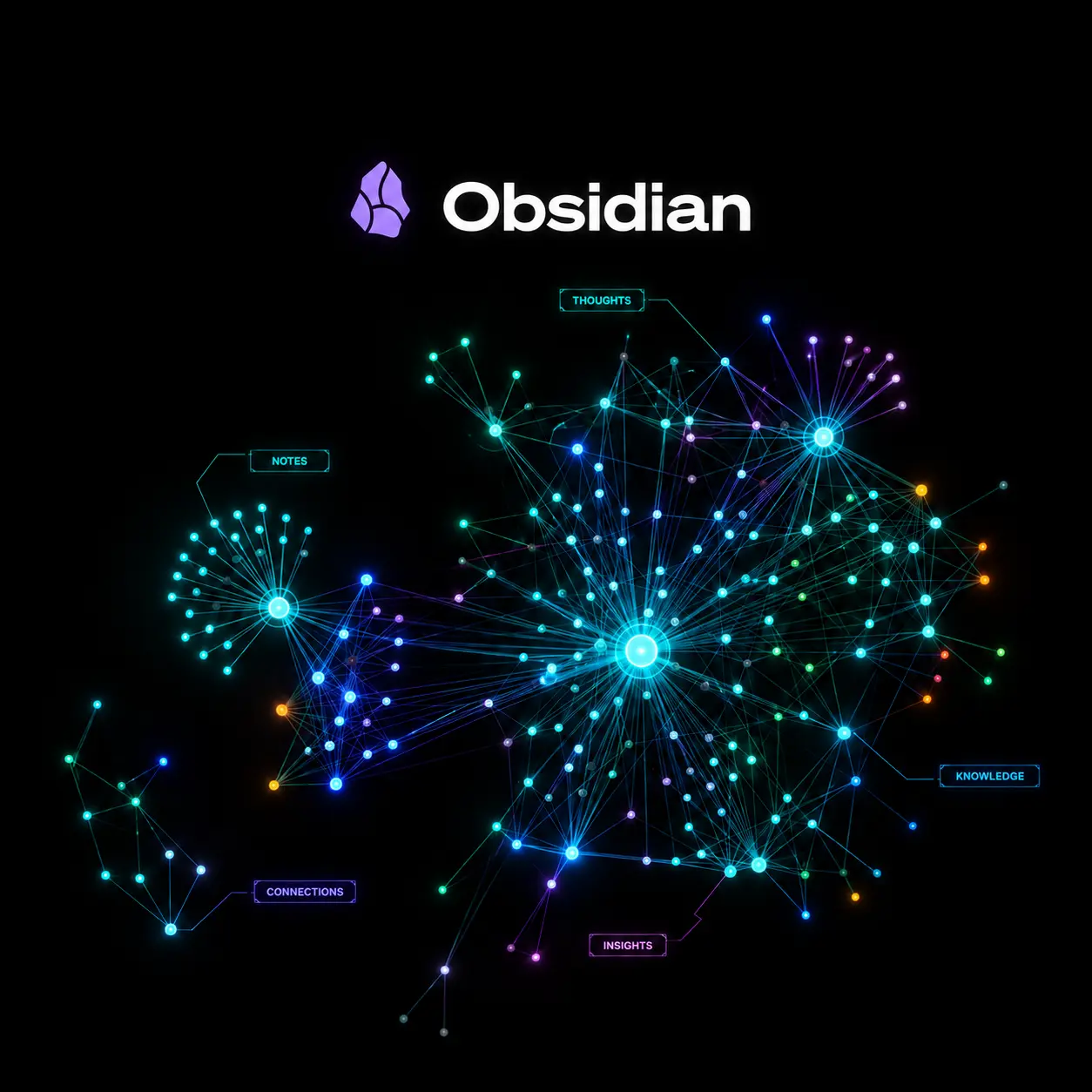
- Bidirectional linking and graph visualisation turn discrete notes into a knowledge graph that improves contextual retrieval and AI prompt relevance.
- AI in Obsidian is plugin-driven: third-party or community plugins connect to cloud LLMs or local models to provide summarisation, rewriting and semantic search capabilities.
- Compared with cloud-native workspaces, Obsidian prioritises flexibility and customisation at the expense of out-of-the-box collaboration workflows and managed integrations.
- Key business outcomes include faster research synthesis, higher-quality content production, reusable decision records and reduced duplicate work across teams.
Business Problems It Solves
Obsidian addresses knowledge fragmentation, slow insight retrieval and brittle institutional memory by converting notes into a persistent connected graph that AI can query and augment.
- Reducing research time: connects past research, meeting notes and source links so AI-assisted summarisation surfaces relevant context faster.
- Improving content velocity: teams can generate outlines, draft templates and marketing assets from linked knowledge rather than starting from blank pages.
- Preserving institutional knowledge: linking decisions to evidence and stakeholders creates an auditable trail that supports compliant decision-making and onboarding.
- Enabling reuse and scaling: modular notes and templates reduce duplicated work and make best-practice knowledge transportable across teams.
Obsidian AI App Features
Obsidian’s feature set is modular and plugin-centric; each capability can be translated into a direct business outcome for leaders focused on efficiency and scale.
Bidirectional Linking
Business Value: Converts isolated notes into a connected knowledge graph that improves the precision of AI prompts and reduces time-to-insight, enabling executives to trace the provenance of ideas and decisions quickly.
Local Markdown Storage (Vaults)
Business Value: Ensures data ownership, compliance and offline access; Vaults integrate with corporate backups and version control, lowering regulatory and operational risk for sensitive IP or market analyses.
Graph Visualisation
Business Value: Provides an at-a-glance topology of ideas and dependencies, helping leaders identify knowledge silos, strategic anchors and areas where AI-driven synthesis can add disproportionate value.
Plugin Ecosystem and API Hooks
Business Value: Allows selective AI augmentation—summaries, semantic search, automated tagging—without vendor lock-in; businesses can choose cloud LLMs, private APIs or local models to meet privacy and cost constraints.
Templates and Dataview-like Queries
Business Value: Standardises research templates and extracts structured data from narrative notes, enabling automated report generation, KPI tracking and integration with analytics workflows.
Encryption and Sync Options
Business Value: Offers choices for secure synchronisation to corporate storage or encrypted third-party services, which supports compliance for regulated industries and secure remote work.
Main Strategic Use Cases
Obsidian becomes strategically useful where knowledge continuity, insight synthesis and documented decision-making matter most.
- Product strategy: capture market signals, user interviews and experiment outcomes in a linked graph to inform roadmap trade-offs and AI-assisted scenario analysis.
- Content strategy and thought leadership: build a living editorial repository where AI can mine source notes to create outlines, drafts and repurposed content.
- Competitive intelligence: centralise competitor facts, sourced evidence and analyst commentary so AI can surface patterns and risk indicators for executive briefings.
- R&D and innovation: map hypotheses to experiments and results, enabling AI to propose cross-project learnings and identify redundant work.
Business Operations Use Cases
Operationally, Obsidian with AI plugins reduces routine work and institutional friction across research, product and GTM functions.
- Meeting synthesis: convert meeting notes into searchable summaries, action lists and follow-ups, reducing meeting-fatigue and ensuring accountability.
- Knowledge transfer: accelerate onboarding by creating AI-curated learning paths from existing notes and role-specific vaults.
- Standard operating procedures: maintain living SOPs that AI can reference to generate task checklists and compliance evidence.
- Deck and report generation: integrate Obsidian notes with slide-generation workflows such as the 🔗 Chronicle AI Presentation Maker to automate slide creation from structured note content.
Marketing Use Cases
For CMOs and marketing leaders, Obsidian accelerates content operations and preserves brand memory for repeatable campaigns.
- Content repurposing: maintain canonical long-form assets that AI can transform into blog posts, social threads and briefs, reducing creative overhead.
- Campaign playbooks: link past campaign metrics to creative assets and audience personas to enable AI-driven performance hypotheses.
- Video and multimedia workflows: use Obsidian as the narrative backbone for video repurposing and distribution workflows where AI assists editing and spin-offs, particularly when teams need to 🔗 repurpose video content.
- Thought leadership at scale: combine research notes and interview transcripts; let AI draft op-eds and executive summaries tied back to source evidence for auditability.
Ready to improve your marketing with AI?
Let’s discuss how AI workflows and agents can save hours every week, lower acquisition costs, and upgrade the quality of your marketing execution.
How Obsidian Works
At essence, Obsidian manages a vault of Markdown files and exposes linking, search and plugin hooks that allow AI models to provide contextualised assistance.
Operational flow: users author notes and tag or link them; plugins index content for semantic search; AI routines (local or cloud) receive focused prompts built from linked note context; AI returns summaries, drafts or metadata updates stored back in the vault. For teams that want automation, builders often combine Obsidian with small orchestration scripts or app builders such as 🔗 bolt.new AI App Builder to create repeatable integrations.
Obsidian AI app Alternatives and Competitors
Businesses should evaluate tools that solve similar problems—knowledge capture, content synthesis and AI augmentation—against their priorities for collaboration, data ownership and integration.
Notion
Notion is a cloud-native workspace combining documents, databases and collaboration; it is optimised for team workflows and real-time editing but is less flexible with local storage and custom graph structures. Companies prioritising synchronous collaboration and built-in integrations often favour Notion over Obsidian.
Roam Research
Roam pioneered the networked note paradigm with an emphasis on backlink-driven thinking and daily notes. It offers a similar knowledge-graph experience but is cloud-hosted and less extensible at the local-file layer than Obsidian, which can matter for data governance.
Logseq
Logseq is an open-source, local-first knowledge tool with an out-of-the-box emphasis on outlining and graph views. It competes closely on privacy and file ownership but may offer fewer mature plugins for enterprise AI integrations than Obsidian’s ecosystem.
Tana
Tana focuses on structured, queryable knowledge with a semantic-first approach that can replace parts of Obsidian’s workflow, but it is a newer entrant with a different mental model and varying suitability for long-form content authorship.
Choose Obsidian when data ownership, offline access and deep customisation matter; choose cloud-native alternatives when team collaboration, managed integrations and lower setup cost are higher priorities.
Comparison: Obsidian AI app vs Notion
| Decision Factor | Obsidian | Notion |
|---|---|---|
| Data ownership | Local Markdown files under user control; easy to backup and version-control. | Cloud-hosted storage; vendor-managed backups and access controls. |
| Collaboration | Not built for real-time collaborative editing; requires sync solutions. | Designed for multi-user collaboration with permissions and shared workspaces. |
| Customisation | Highly customisable via plugins and themes; strong API surface for builders. | Customisable databases and templates but more opinionated UX. |
| AI integration | Plugin-driven; can use local models for privacy or cloud LLMs via connectors. | Often relies on embedded AI features from the vendor or third-party integrations. |
| Offline access | Native offline-first operation. | Limited offline capabilities; primarily cloud-dependent. |
| Learning curve | Steeper for non-technical users due to extensibility and setup choices. | Gentler for teams, with ready-to-use templates and guided UX. |
| Scalability for enterprise | Scales through governance of vaults and integration patterns; requires ops discipline. | Scales via tenant management and centralised admin controls; lower ops overhead. |
Benefits & Risks
Obsidian delivers measurable benefits in insight velocity and data control but introduces operational risks that leaders must mitigate through governance.
- Benefits: faster research synthesis, better evidence trails for decisions, lower vendor lock-in and improved offline resilience.
- Risks: initial learning curve, plugin quality variance, potential security gaps if sync is misconfigured and integration limitations for large-scale collaborative workflows.
- Risk mitigation: define vault governance, mandate secure sync/encryption practices and standardise a plugin list for teams to reduce fragmentation.
Executive Summary
Obsidian is a local-first, link-centric knowledge platform that becomes strategically powerful when paired with AI to surface, summarise and operationalise organisational knowledge. For CEOs and Founders, it reduces time-to-decision by making tacit knowledge explicit; for CMOs, it accelerates content operations and preserves brand memory. When to use Obsidian: if you need data ownership, offline access and a high degree of customisation for research-driven workflows. If you operate in regulated industries or handle sensitive IP, Obsidian allows private-model AI integration to balance productivity and compliance.
Misconceptions and Myths
Mistake: Obsidian is only for personal notes.
Correction: While popular with individuals, Obsidian can be organised into team vaults with governance, templates and shared plugin configurations to serve cross-functional business needs.
Mistake: The Obsidian AI app replaces analysts or strategists.
Correction: AI augments synthesis and drafts; human oversight remains essential for interpretation, strategic framing and ethical judgement.
Mistake: Offline means no AI capabilities.
Correction: Offline-first design does not preclude AI; businesses can run local models or synchronise selectively to cloud LLMs depending on privacy requirements.
Mistake: Obsidian is insecure compared with cloud tools.
Correction: Local storage can be more secure if properly managed because it avoids uncontrolled cloud exposure; risk depends on organisational controls, not location alone.
Mistake: Notion is always better for teams.
Correction: Notion is superior for synchronous collaboration, but teams that prioritise ownership, complex linking and offline access may prefer Obsidian despite higher setup cost.
Key Definitions
Vault
A directory of Markdown files that represents a discrete Obsidian workspace; vaults are the unit of storage and backup for notes and attachments.
Knowledge graph
A network representation where notes are nodes and links are edges; it helps reveal contextual relationships and pathways for AI-driven queries.
Bidirectional link
A link that records references in both the source and target notes, enabling emergent connections and improved navigability.
Plugin
A software extension that adds capabilities—such as AI connectors, visualisations or automation—to Obsidian without altering core files.
Local-first
An architecture that prioritises storing data on the user’s device with optional synchronisation, supporting offline-first workflows and direct data control.
Frequently Asked Questions
Can Obsidian be used securely in an enterprise?
Yes. If you operate in regulated environments, you should implement vault-level encryption, approved sync providers and a controlled plugin policy. Enterprises often pair Obsidian with internal backup, access controls and audit scripts to meet compliance.
When to use Obsidian versus a cloud workspace?
Use Obsidian when data ownership, offline access and knowledge graph capabilities are priorities. Choose a cloud workspace when multi-user real-time collaboration, built-in integrations and lower setup overhead are more important.
Does Obsidian require programming skills?
No, core note-taking and linking do not require coding. However, to extract full value from AI integrations and automation, some technical setup or a developer to configure plugins, scripts and model connectors will accelerate adoption.
Can Obsidian integrate with enterprise AI models?
Yes. Obsidian’s plugin ecosystem and file-based architecture allow connections to cloud LLMs, private APIs or on-premise models, letting businesses choose the balance of performance, cost and privacy that suits them.
How steep is the learning curve for teams?
The learning curve is moderate to steep depending on desired customisation. Basic workflows are straightforward, but unlocking the full productivity gains from graph thinking and AI requires governance, templates and training.
What are practical first projects to justify adoption?
Start with team-specific knowledge hubs: a marketing playbook, an executive decision log or a product research vault. These deliver measurable time saved in retrieval and better-quality outputs when combined with targeted AI summarisation.
Is collaboration possible in Obsidian?
Yes, through shared vaults, sync solutions or version control systems. For businesses that need strong synchronous editing and permissions, evaluate whether hybrid approaches or complementary cloud tools are necessary.
How does Obsidian compare to AI-native content tools?
Obsidian is not an AI-native content factory; it is an extensible knowledge infrastructure. For repeatable content production at scale, combine Obsidian’s contextual graph with specialised AI tools and automation to maintain both speed and provenance.